Load Balancing
Show slides
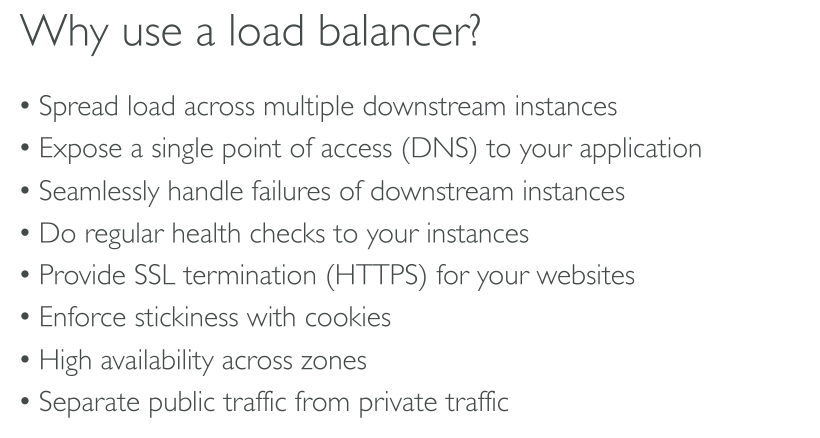
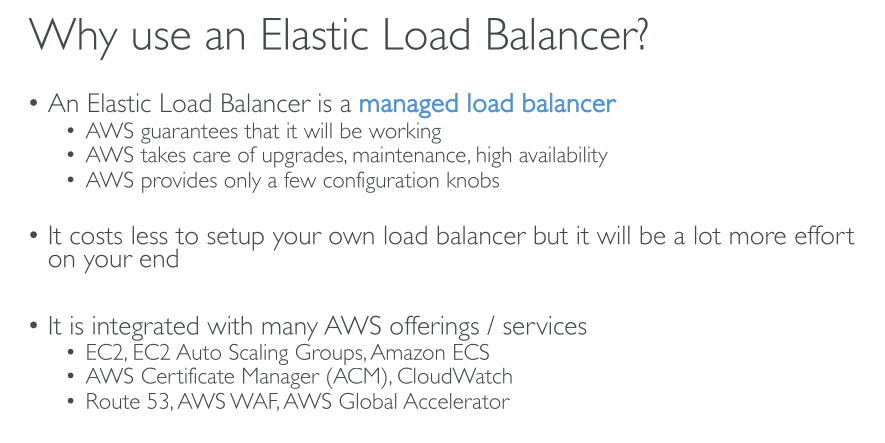
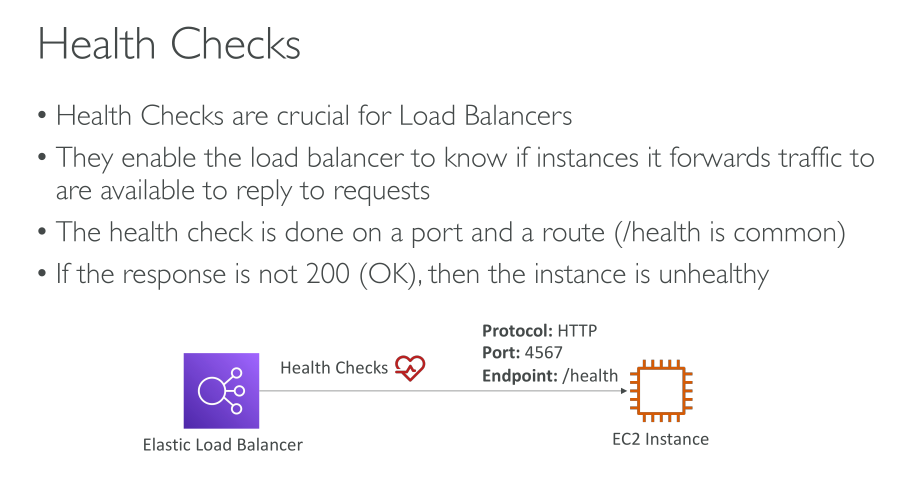
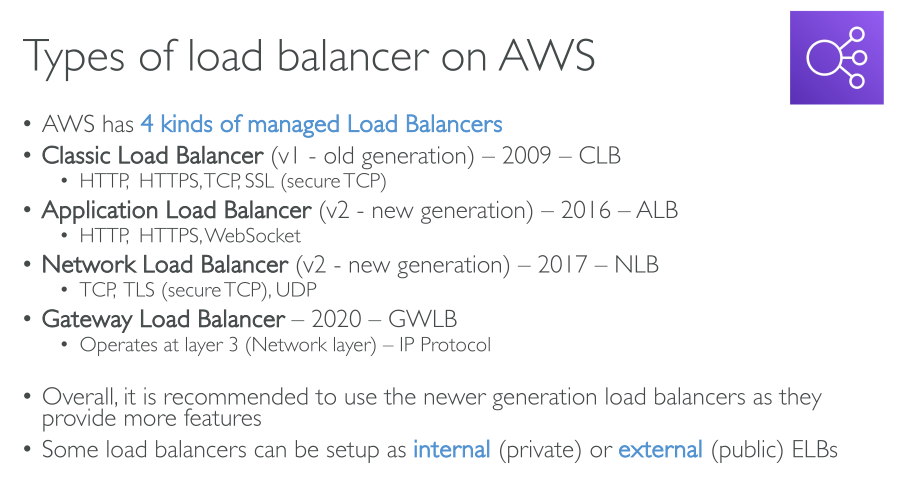
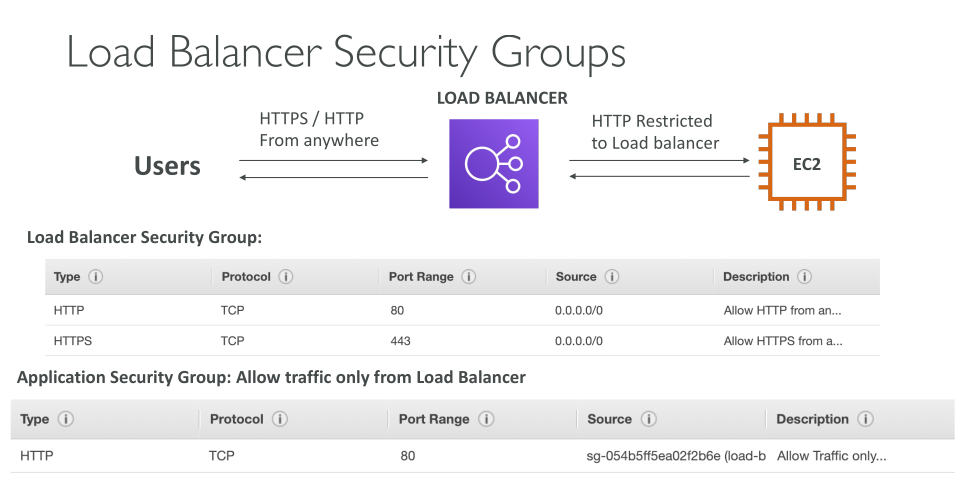
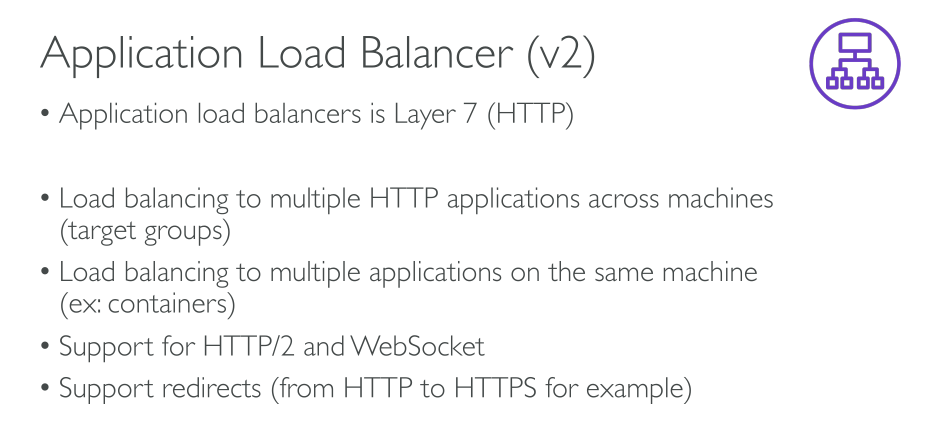
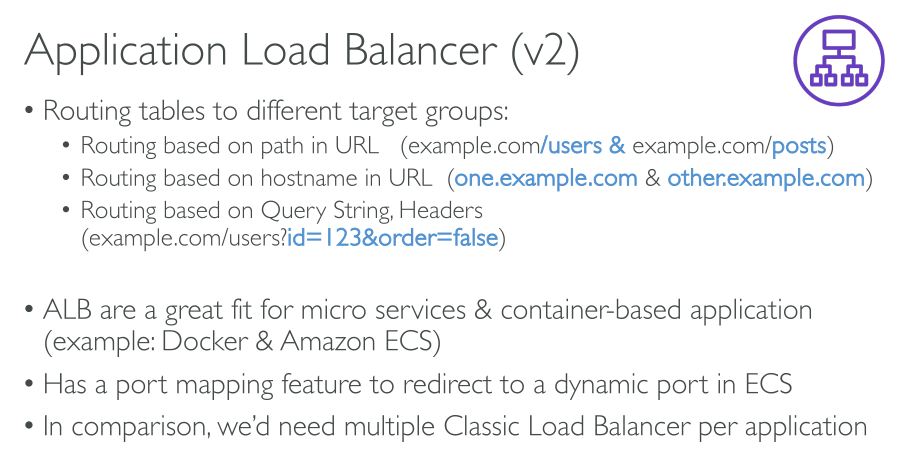
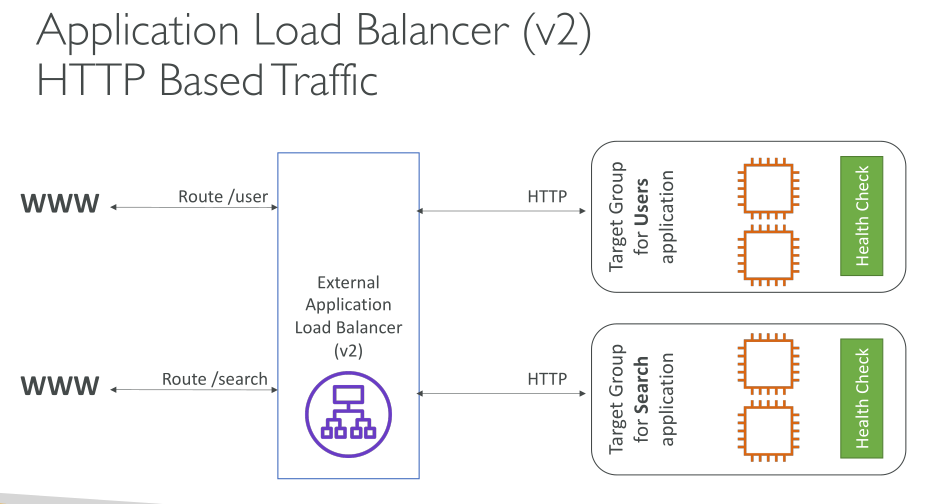
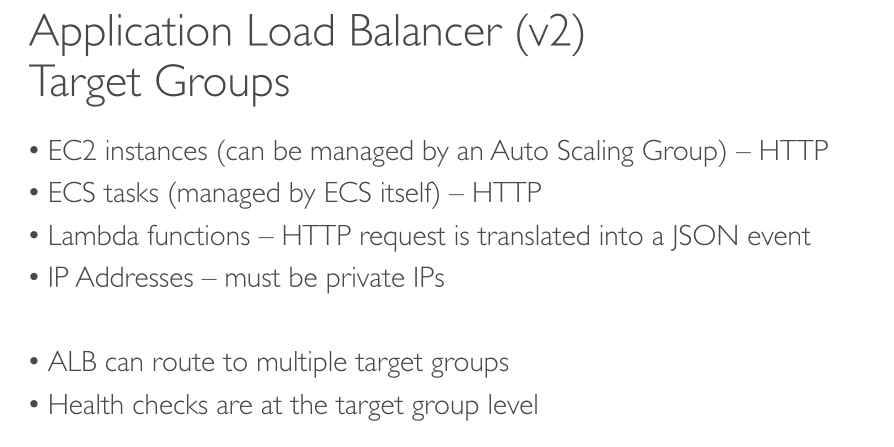
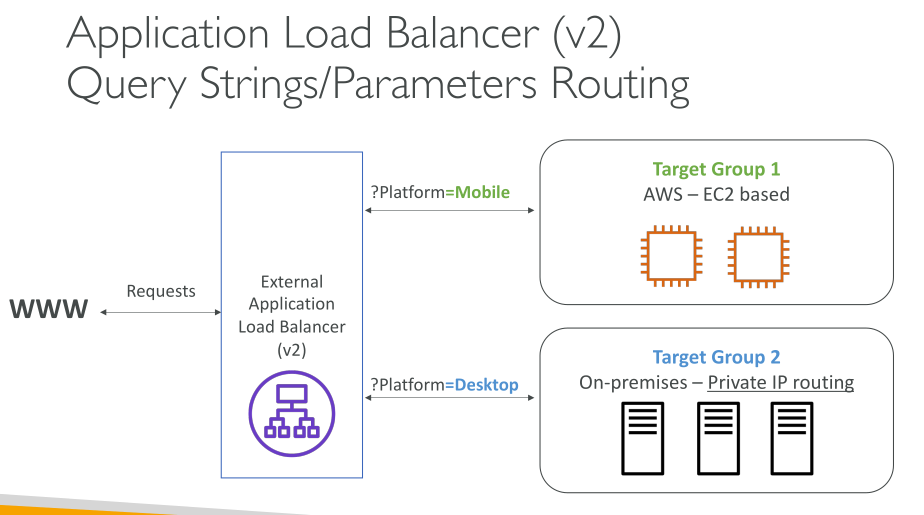
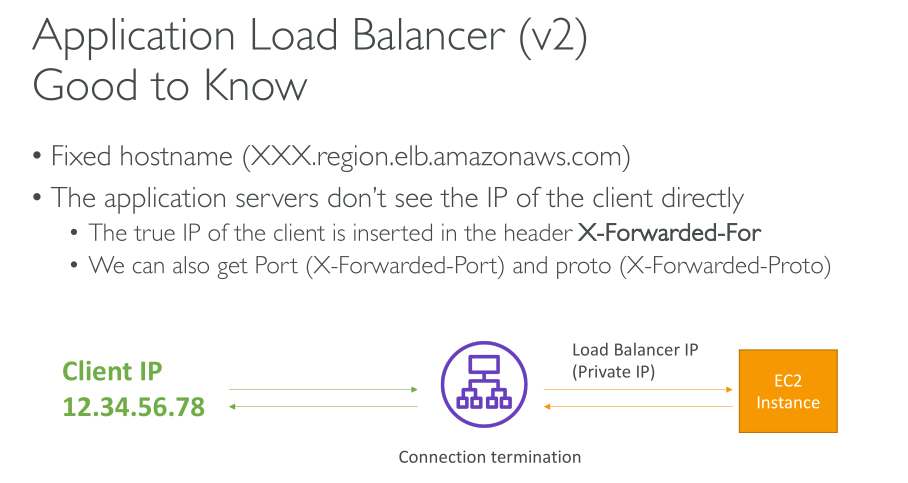
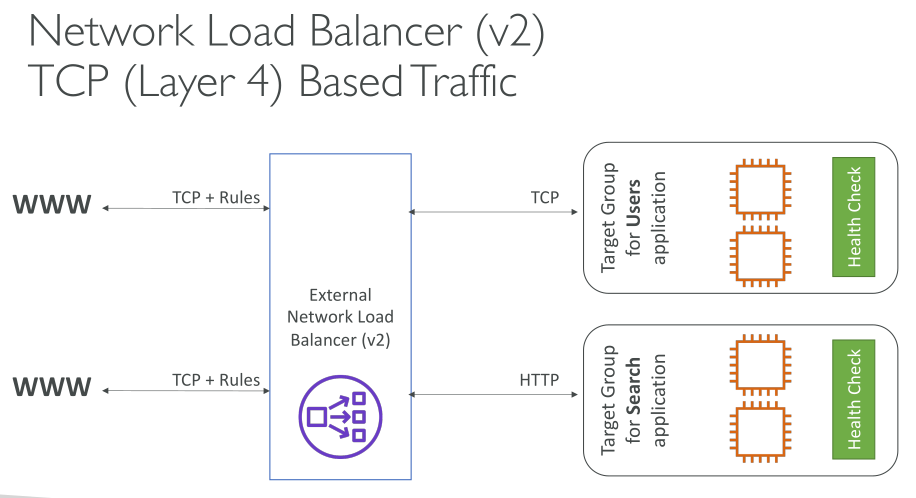
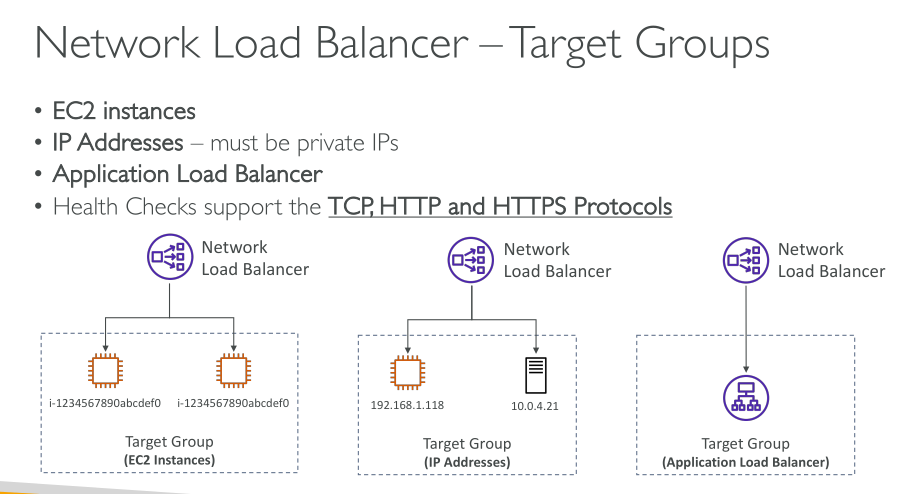
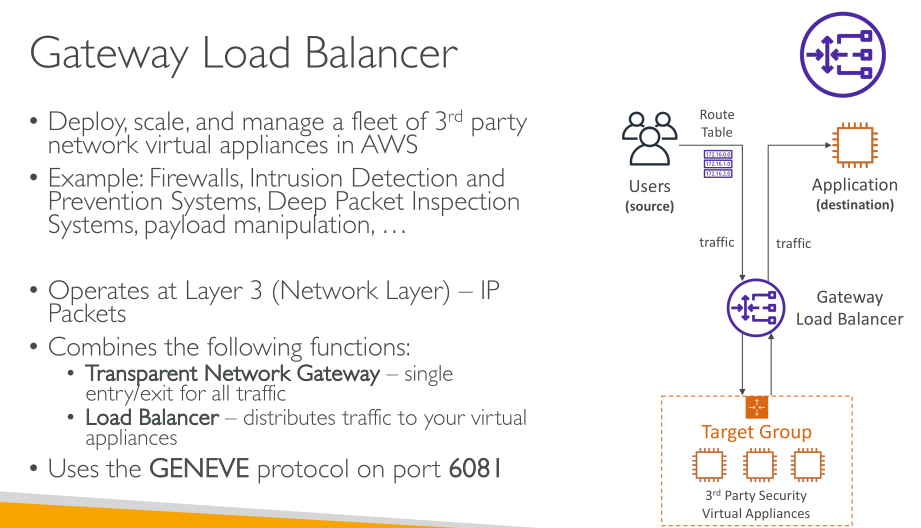
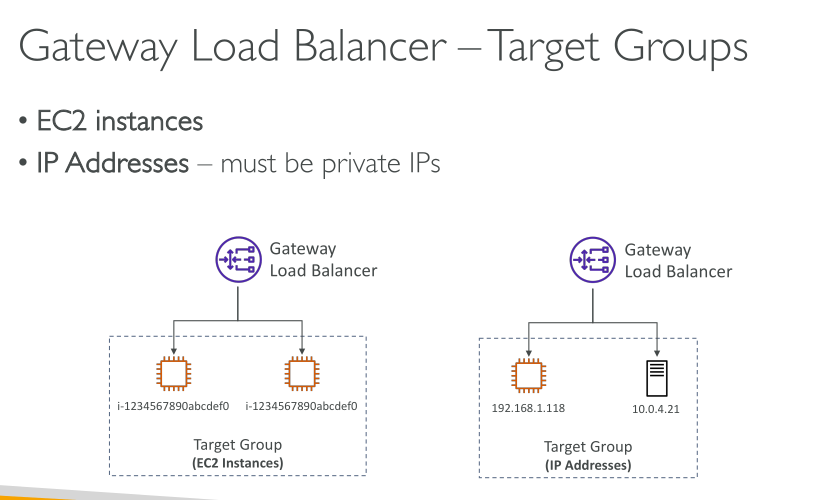
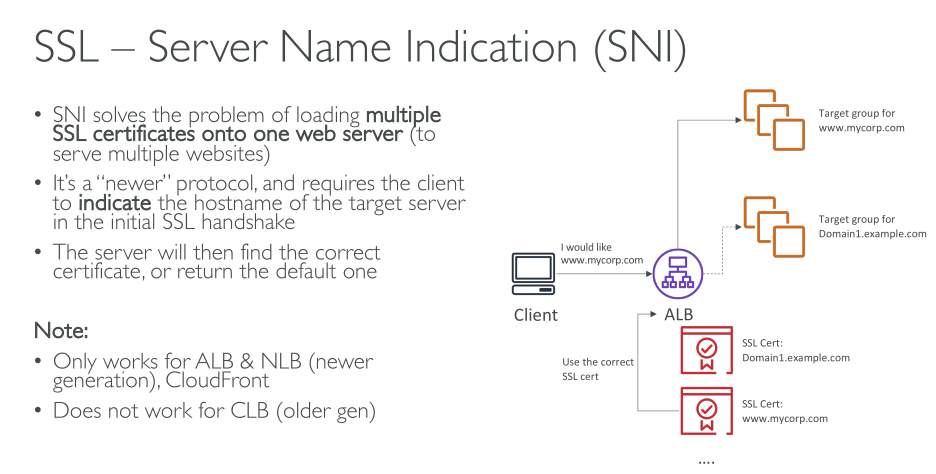
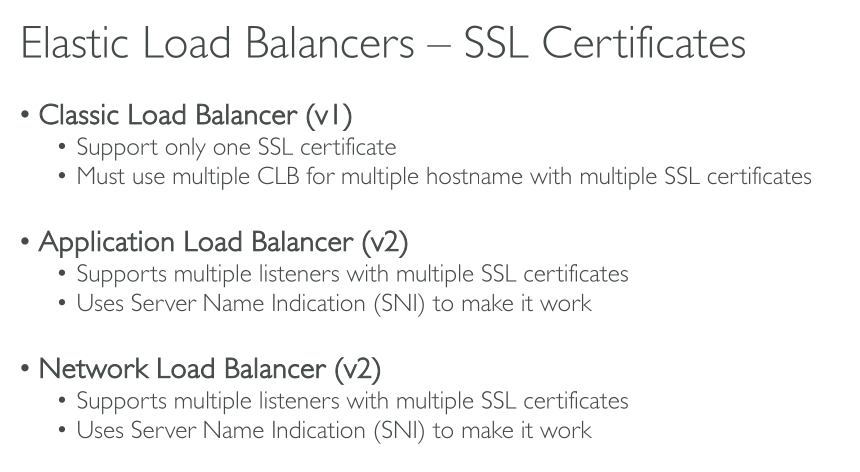
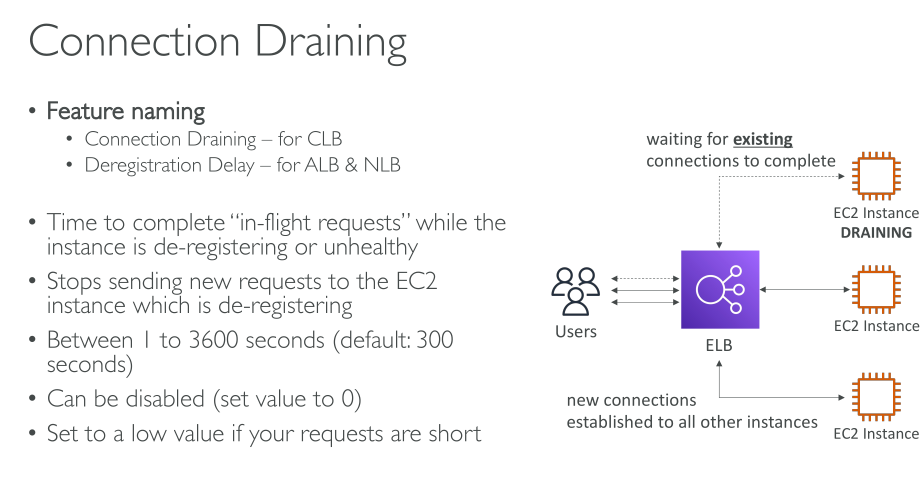
A load balancer accepts incoming traffic from clients and routes requests to its registered targets (such as EC2 instances) in one or more Availability Zones. The load balancer also monitors the health of its registered targets and ensures that it routes traffic only to healthy targets. When the load balancer detects an unhealthy target, it stops routing traffic to that target. It then resumes routing traffic to that target when it detects that the target is healthy again.
You configure your load balancer to accept incoming traffic by specifying one or more listeners. They check for connection requests. It is configured with a protocol and port number for connections from clients to the load balancer. Likewise, it is configured with a protocol and port number for connections from the load balancer to the targets.
When you enable an Availability Zone for your load balancer, Elastic Load Balancing creates a load balancer node in the Availability Zone. If you register targets in an Availability Zone but do not enable the Availability Zone, these registered targets do not receive traffic. With an Application Load Balancer however, it is a requirement that you enable at least two or more Availability Zones.
Upon creating a load balancer you need to specify AZs and one subnet per AZ, which is where the node will be deployed. The node will then be able to forward traffic to other subnets in that AZ, even if they’re private, as long as network permissions (like Security Groups) allow it. This means instances do not require to be in a public subnet, because load balancer nodes can access both private and public subnets.
Choosing between internet-facing and internal decides if nodes have a public and private IP or just a private one.
|
Load balancers, in order to work, need at least 8 IPs available in the subnet (/28, -5 reserved = 16 - 5 = 11 free for instances) but a /27 is recommended. |
Cross-zone load balancing
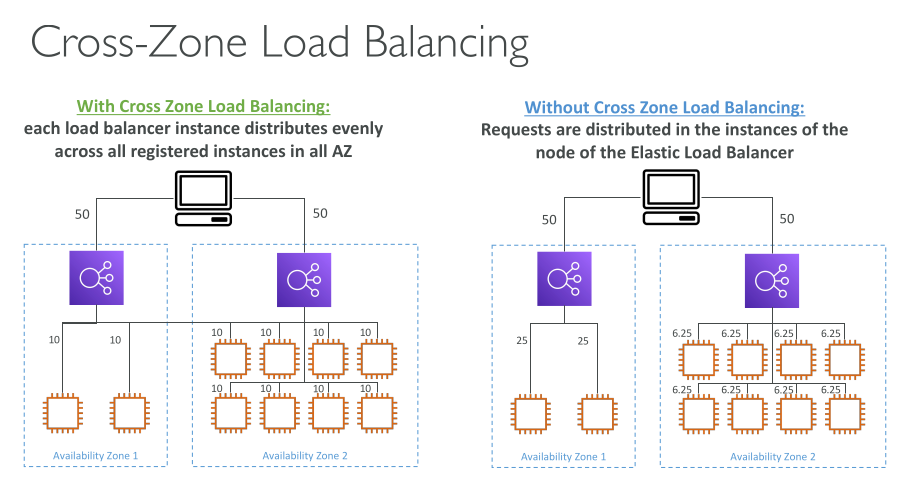
When cross-zone load balancing is enabled, each load balancer node distributes traffic across the registered targets in all enabled Availability Zones. When cross-zone load balancing is disabled, each load balancer node distributes traffic only across the registered targets in its Availability Zone.
-
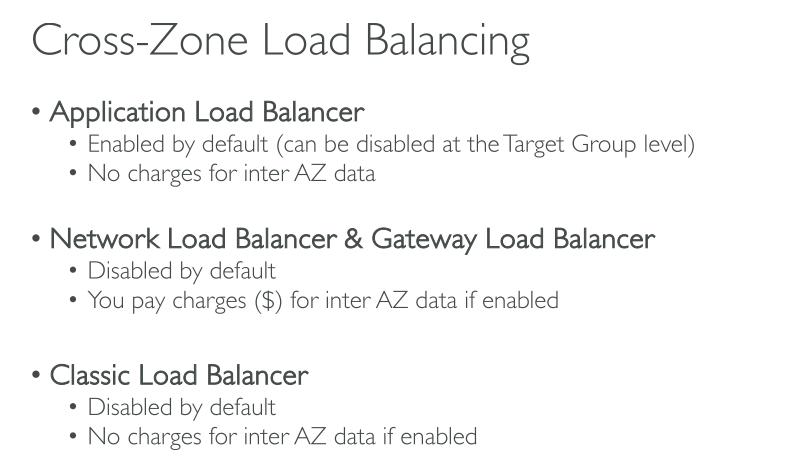
With Application Load Balancers, cross-zone load balancing is always enabled at the load balancer level. At the target group level, cross-zone load balancing can be disabled.
-
With Network Load Balancers and Gateway Load Balancers, cross-zone load balancing is disabled by default. After you create the load balancer, you can enable or disable cross-zone load balancing at any time
Zonal shift
Zonal shift is a capability in Amazon Route 53 Application Recovery Controller (Route 53 ARC). With zonal shift, you can shift a load balancer resource away from an impaired Availability Zone with a single action. This way, you can continue operating from other healthy Availability Zones in an AWS Region.
Zonal shifts are only supported on Application Load Balancers and Network Load Balancers with cross-zone load balancing turned OFF.
Request routing
The DNS entry is controlled by Amazon, because your load balancers are in the amazonaws.com domain. The Amazon DNS servers return one or more IP addresses to the client. These are the IP addresses of the load balancer nodes for your load balancer.
Request routing with Network Load Balancers
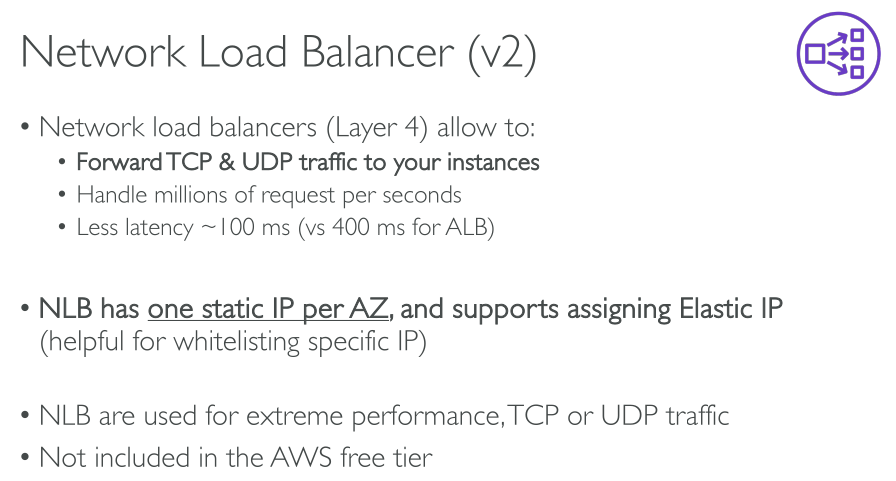
With Network Load Balancers, Elastic Load Balancing creates a network interface for each Availability Zone that you enable, and uses it to get a static IP address. You can optionally associate one Elastic IP address with each network interface when you create the Network Load Balancer.
Routing algorithms
-
Application Load Balancers: round robin. Routing is performed independently for each target group, even when a target is registered with multiple target groups.
-
Network Load Balancers: flow hash. Routes each individual TCP connection to a single target for the life of the connection. The TCP connections from a client have different source ports and sequence numbers, and can be routed to different targets.
-
TCP hash:
-
protocol
-
source IP
-
source port
-
destination IP
-
destination port
-
TCP sequence number
-
-
UDP hash:
-
protocol
-
source IP
-
source port
-
destination IP
-
destination port
-
-
HTTP Connections
Application Load Balancers use connection multiplexing. This means that requests from multiple clients on multiple front-end connections can be routed to a given target through a single backend connection. Connection multiplexing improves latency and reduces the load on your applications. To prevent connection multiplexing, disable HTTP keep-alive headers by setting the Connection: close header in your HTTP responses.
Methods: GET, HEAD, POST, PUT, DELETE, OPTIONS, and PATCH.
HTTP Protocols: HTTP/0.9, HTTP/1.0, HTTP/1.1, and HTTP/2.
SSL Offload
There are 3 ways of handling TLS traffic:
-
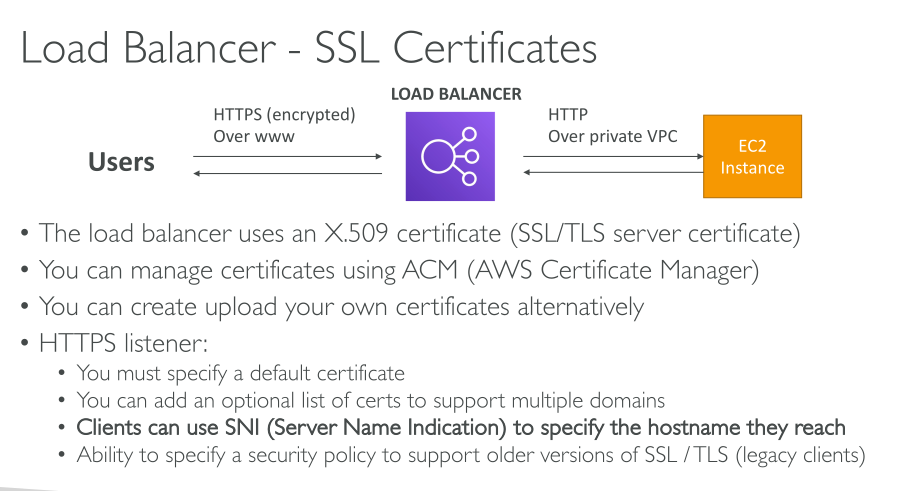
Bridging: the user initiates a TLS session that the load balancer terminates. This means that AWS manage the certificates and store them on the load balancer (which may not be allowed in some contexts). The load balancer then initiates new HTTPS (not HTTP) connections to its backend. Because the load balancer actually decrypts traffic, it can use the HTTP information (path, headers, …) to make decisions. The backend needs to perform cryptographic operations (more compute overhead).
-
Pass-through: The user initiates a TLS session, which the load balancer forwards to its backend. Backends need to have the appropriate certificates, the load balancer can only know about source and destination IP address and port. AWS never sees the certificates. HTTP payload cannot be seen. The backend needs to perform cryptographic operations (more compute overhead).
-
Offload: With SSL Offload, the load balancer terminates the TLS and initiates new HTTP (not HTTPS) connections. The backend receives unencrypted HTTP traffic and doesn’t need to perform cryptographic operations.
Stickiness
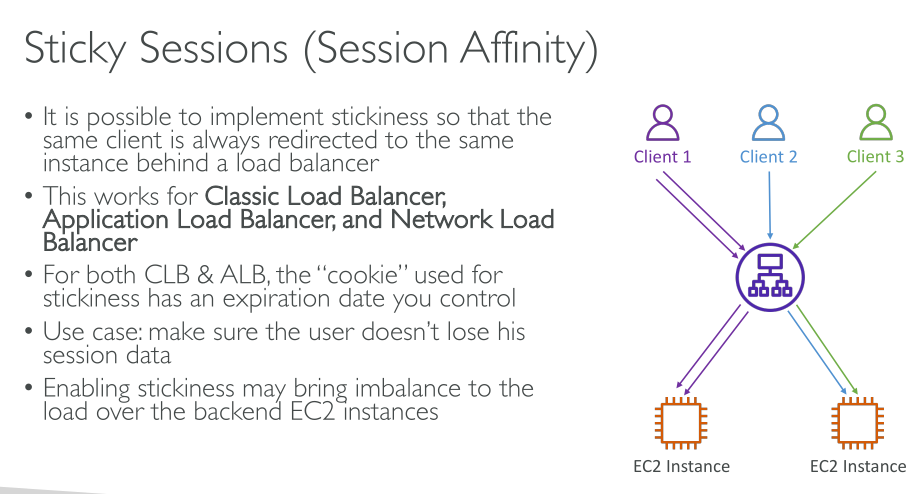
It has to be enabled at the Target Group level and allows connections to be forwarded to the same instance.
It works for:
-
ALB
-
NLB
the problem with enabling stickiness is that it can lead to un balanced traffic forwarding. The best approach would be to *store session data in a cache.
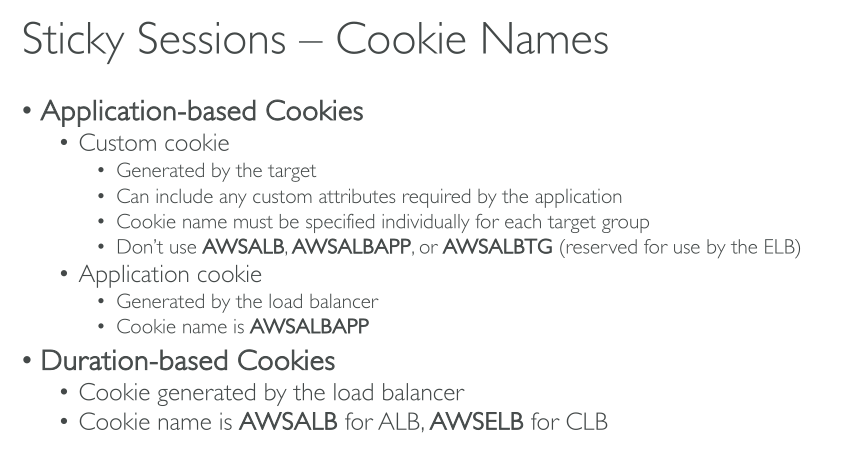
Cookies when working with ELB:
-
Application-based cookies:
-
Application cookies: generated by the load balancer. The cookie is called AWSALBAPP so your application cannot use that key for a cookie.
-
Custom cookies: those are generated by your application. You must specify those cookies you use for session data in EACH target group. You cannot use the following since they’re reserved: AWSALB, AWSALBAPP, AWSALBTG.
-
-
Duration-based cookies: these are generated by the load balancer. The reserved keys is AWSALB.