Capacity Reservations
Show slides
Concepts
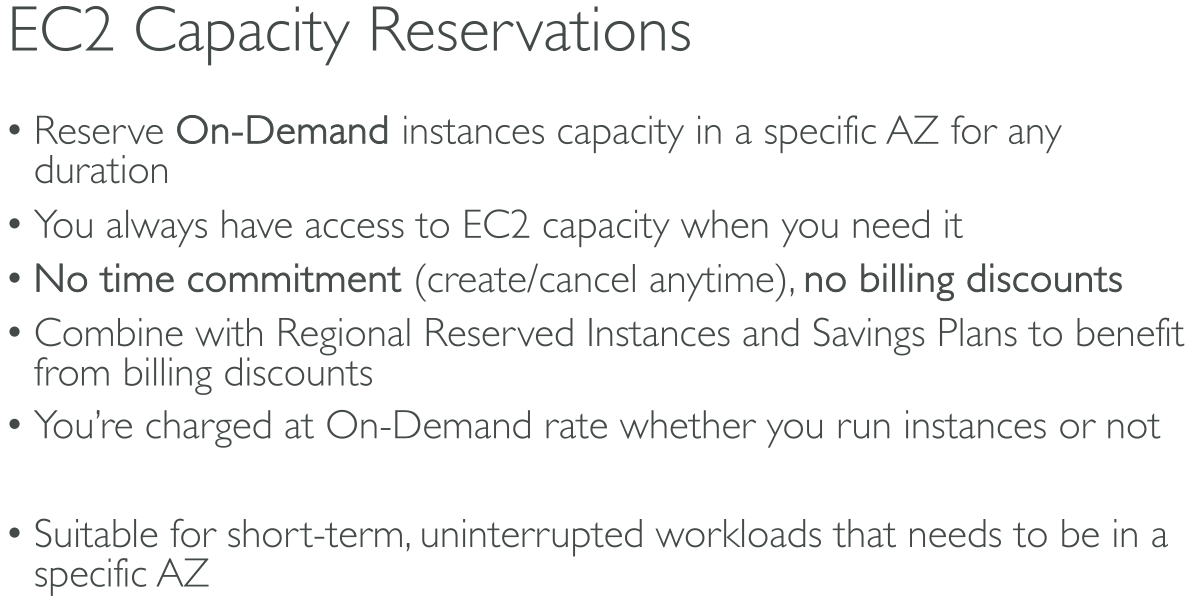
You can create Capacity Reservations at any time, without entering into a one-year or three-year term commitment.
The capacity becomes available and billing starts as soon as the Capacity Reservation is provisioned in your account.
You can also use the billing discounts offered by Savings Plans and Regional Reserved Instances to reduce the cost of a Capacity Reservation.
Creating a capacity reservation
When you create a Capacity Reservation, you specify:
-
The Availability Zone in which to reserve the capacity
-
The number of instances for which to reserve capacity
-
The instance attributes, including the instance type, tenancy, and platform/OS
Types of Capacity Reservations
-
On-Demand Capacity Reservations
-
Capacity Blocks for ML (GPU instances)
Use cases (On-demand)
-
Scaling events – Create On-Demand Capacity Reservations ahead of your business-critical events to ensure that you can scale when you need to.
-
Regulatory requirements and disaster recovery – Use On-Demand Capacity Reservations to satisfy regulatory requirements for high availability, and reserve capacity in a different Availability Zone or Region for disaster recovery.
Use On-Demand Capacity Reservations if you have strict capacity requirements, and are running business-critical workloads that require capacity assurance. With On-Demand Capacity Reservations, you can ensure that you’ll always have access to the Amazon EC2 capacity you’ve reserved for as long as you need it.